

COR Program
Overview
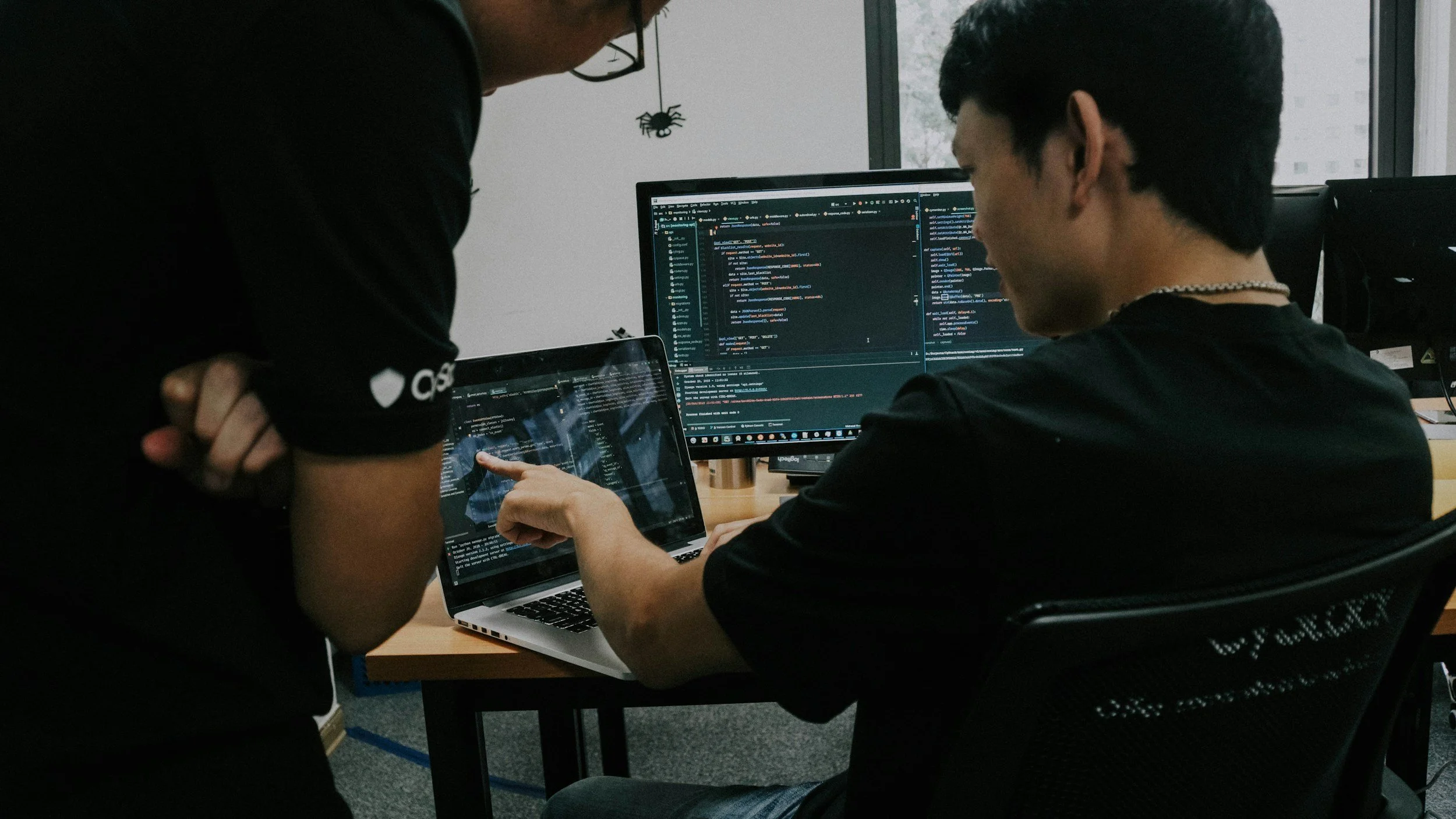
Phase 1 — IT Support & Operational Fundamentals
Focus: Core IT workflows, user support, and basic system interaction. (4 Weeks)
Phase 1 introduces students to how organizations actually operate day to day. Students work primarily from a ticket queue and learn how issues are identified, documented, and resolved in a professional environment.
What Students Do
Work support tickets using Jira
Troubleshoot common user and system issues
Perform basic system checks and configuration tasks
Practice documentation, communication, and escalation
Technical Areas Covered
Windows and basic Linux interaction
User account issues and access requests
Simple configuration changes and validation
Introduction to logs and event data (what they look like, no deep analysis yet)
Phase 2 — Systems Administration & Security Foundations
Focus: Managing systems directly and understanding how security issues emerge. (8 Weeks)
Phase 2 moves students from responding to issues into maintaining and configuring the systems themselves. Students take on responsibilities closer to a junior systems administrator or cloud administrator role.
Toward the end of phase 2, vulnerability management serves as a natural transition from systems administration into security work, allowing students to see how system state, configuration, and patching decisions translate into measurable security risk.
What Students Do
Manage operating systems and core services
Configure identity and access controls
Apply patches and validate system state
Configure logging and telemetry
Perform vulnerability scans and remediation tasks
Validate fixes and document outcomes
Certification Alignment — Security+
Domain Concepts Examples:
Identity and access management
Secure configuration and hardening
Vulnerability management
Basic networking and architecture concepts
Introductory incident response concepts
The certification vocabulary is introduced while students have hands-on experience with these tasks. Security+ serves as a structured way to name and organize work students are already doing.

Phase 3 — Security Operations, Detection & Incident Response
Focus: Monitoring, investigation, and response using real telemetry.(12 weeks)
Phase 3 places students in a SOC-style role. Using the systems and logs they are already familiar with, students investigate alerts and incidents in a controlled but realistic environment.
What Students Do
Monitor security alerts
Investigate suspicious activity
Correlate events across systems
Perform basic threat hunting
Execute incident response workflows
Produce written investigation and incident reports
Tools & Concepts
SIEM and log analytics
Endpoint and identity telemetry
Detection logic and alert tuning
Incident response lifecycle
Certification Alignment — CySA+
Domain Concept Examples:
Threat detection and analysis
Vulnerability analysis in context
Incident response and escalation
Reporting and communication
CySA+ maps almost directly to the work performed in this phase. Certification study reinforces terminology and structure for skills students are actively using.
Technology Stack
-
Microsoft Azure, where you will manage virtual machines, network configurations, and cloud-based resources.
-
Tenable – Vulnerability Management for scanning, assessing, and managing vulnerabilities in both Windows and Linux environments.
-
Microsoft Defender for Endpoint, which you will use for onboarding, isolating, and investigating virtual machines, as well as detecting remote code execution.
-
Microsoft Sentinel for creating and visualizing SIEM dashboards, monitoring network activity, and managing logs to identify potential security incidents.
-
Tools and processes for running compliance audits (e.g., CIS and DISA STIG) and applying security guidelines using PowerShell scripts.